
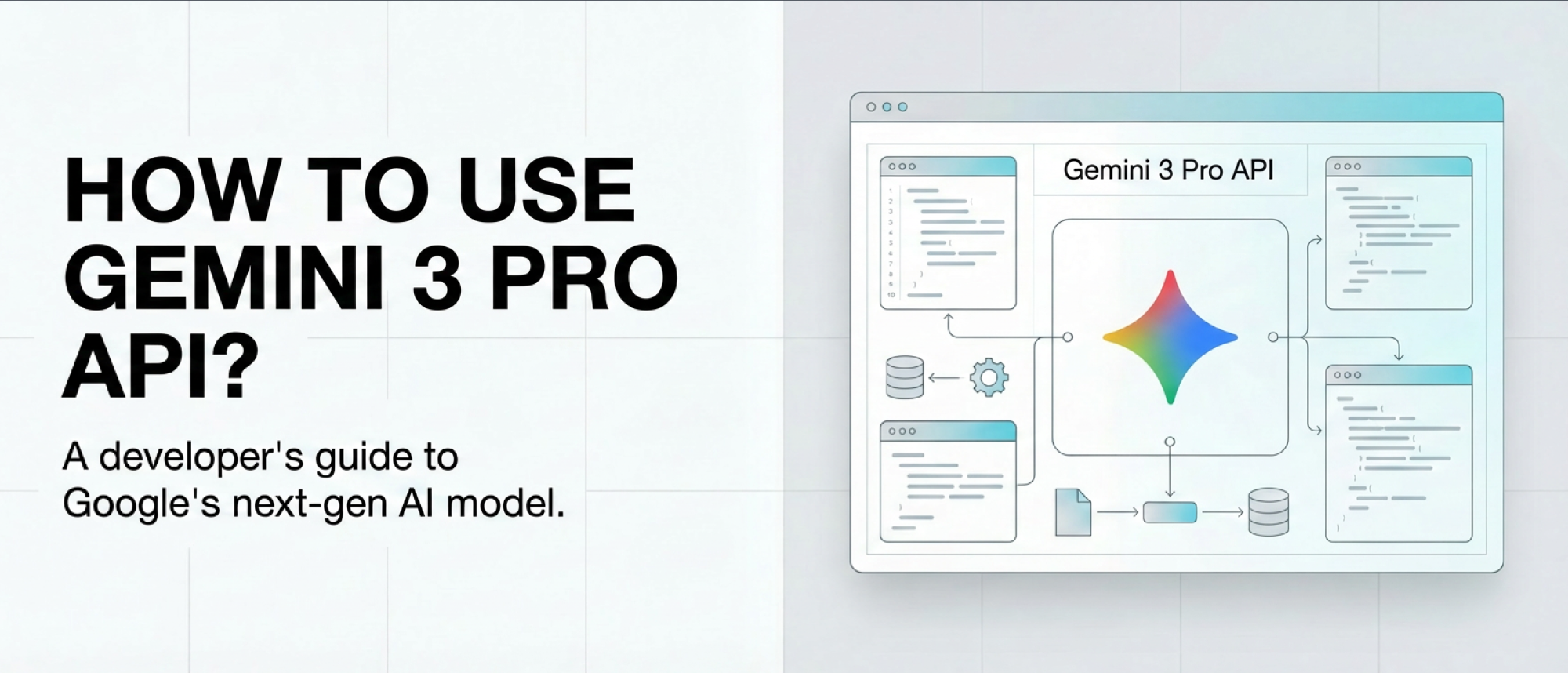
Using Gemini 3 Pro API allows developers to integrate Google’s most intelligent model into their projects for advanced problem‑solving, autonomous coding, and multimodal reasoning. Gemini 3 Pro represents a new generation of large models designed to think, analyze, and act beyond simple conversational tasks.
In this complete guide, we’ll cover how to authenticate your API key, select the right environment, configure reasoning parameters, handle images and videos, and optimize cost and performance for production‑grade systems.
Among the top integration solutions, OpenQiao provides a unified, insurance‑backed AI API gateway that connects Gemini 3 Pro and other leading models through one reliable, enterprise‑grade platform.
Understanding Gemini 3 Pro: What Makes It Different
Gemini 3 Pro marks a fundamental leap in Google’s AI ecosystem. Compared with Gemini 2.5, it delivers:
- Deeper reasoning — Scores 91.9 % on GPQA Diamond and 95 % on AIME 2026, making it ideal for scientific and technical use.
- Advanced multimodality — Understands text, image, and video inputs with state‑of‑the‑art precision in benchmarks like MMMU‑Pro and Video‑MMMU.
- Autonomous coding support — Achieves 54.2 % on Terminal‑Bench 2.0, proving it can operate software environments and tools with minimal oversight.
Developers can now build agentic systems, automated research tools, and R&D‑grade assistants with reliability previously unseen in Google models.
Setting Up Gemini 3 Pro API Access
You can start using Gemini 3 in under 15 minutes. Follow these simple steps:
-
Create a Google AI Studio account
Visit aistudio.google.com and sign in with your Google account. This hub lets you prototype prompts and generate API keys. -
Generate your API key
Click “Get API Key.” Google issues a unique key on the spot. Always keep it private and use environment variables for security. -
Install the SDK (optional)
Choose your preferred language:- Python:
pip install google‑generativeai - Node.js:
npm install @google/generative‑ai - REST API: use curl or any HTTP client without installation.
- Python:
Free Tier vs Paid Access
Google AI Studio includes a free tier, perfect for testing and prototyping:
- 5–10 requests per minute
- ≈ 250 K tokens per minute
- 50–100 requests daily
For production workloads or higher throughput, migrate to Vertex AI for enterprise reliability and monitoring.
💡 Pro Tip: Stay under 200 K input tokens per request to minimize cost; pricing doubles above that limit.
Key Parameters for Controlling Reasoning Depth
Gemini 3 Pro introduces thinking_level, a game‑changing configuration for balancing speed, reasoning depth, and cost.
low: Minimize latency for FAQs, chatbots, and quick tasks.high(default): Activate deep reasoning for coding, research, and analytics.medium(coming soon): Will deliver mid‑range reasoning at a lower cost.
Dynamic “thinking” means the model adapts automatically—using minimal tokens on simple prompts and full reasoning only when needed.
Example (Python):
response = client.models.generate_content(
    model="gemini-3-pro-preview",
    contents="Debug this Python race condition.",
    config={"thinking_level": "high"}
)
⚠️ Don’t mix thinking_level with deprecated thinking_budget; it causes a 400 error. Migrate existing code accordingly.
Handling Image and Video Inputs
Gemini 3 Pro supports fine‑tuned multimodal processing, customizable via media_resolution. Choose image or video clarity levels to balance detail and efficiency.
| Content Type | Recommended Setting | Token Usage | Ideal Application |
|---|---|---|---|
| Images | media_resolution_high | ≈ 1120 tokens | OCR, fine details |
| PDFs | media_resolution_medium | ≈ 560 tokens | Document analysis |
| Video (general) | media_resolution_low | ≈ 70 tokens / frame | Scene understanding |
| Video (text-heavy) | media_resolution_high | ≈ 280 tokens / frame | Reading dense text |
Example: analyzing an image directly from Python SDK
import base64

response = client.models.generate_content(
    model="gemini-3-pro-preview",
    contents=[
        {
            "parts": [
                {"text": "What is in this image?"},
                {"inline_data": {
                    "mime_type": "image/jpeg",
                    "data": base64.b64decode("..."),
                }},
            ],
        }
    ],
    generation_config={"media_resolution": {"level": "media_resolution_high"}}
)
Pricing and Token Management
- Context Limits: 1 M token input window and 64 K output limit.
- Pricing (per 1 M tokens):
● Input ≤200k tokens: $2
● Output ≤200k tokens: $12
● Input >200k tokens: $4
● Output >200k tokens: $18
To save costs:
- Compress video frames or lower media resolution.
- Batch multiple short requests instead of one massive context.
- Cache static prompts or retrieved documents.
Cost and Performance Optimization Best Practices
For Cost:
- Use low
thinking_levelfor FAQ‑type workloads. - Downscale from high to medium media resolution for standard PDFs.
- Track token spend per endpoint to avoid context overflow.
For Speed:
- Keep video inputs low‑resolution unless OCR is critical.
- Parallelize requests instead of using a single large prompt.
- Leverage Google’s Vertex AI monitoring for latency optimization.
These adjustments maintain high accuracy while controlling latency and cost.
Conclusion: Build Smarter With Gemini 3 Pro API
The Gemini 3 Pro API unlocks unprecedented performance in AI reasoning, multimodal understanding, and autonomous coding. By mastering its setup, parameters, and optimization techniques, developers can craft applications that are faster, smarter, and cost‑efficient.
Stay within limits, adjust reasoning power appropriately, and monitor token usage to maximize your system’s efficiency. Whether you’re prototyping AI assistants or launching enterprise‑grade workflows, Gemini 3 Pro gives you the intelligence and flexibility your product needs.
⚙️ Power Your Gemini 3 Integration with OpenQiao
For developers operating multi‑model environments, OpenQiao provides a unified API gateway that connects Google Gemini 3 Pro with other top LLMs through a single, OpenAI‑compatible endpoint.
OpenQiao adds enterprise‑level model insurance, automatically compensating you for bad outputs or latency, and simplifies billing across providers.
OpenQiao — The LLM gateway where you pay for results, not hallucinations.
Build with confidence, deploy at scale.