
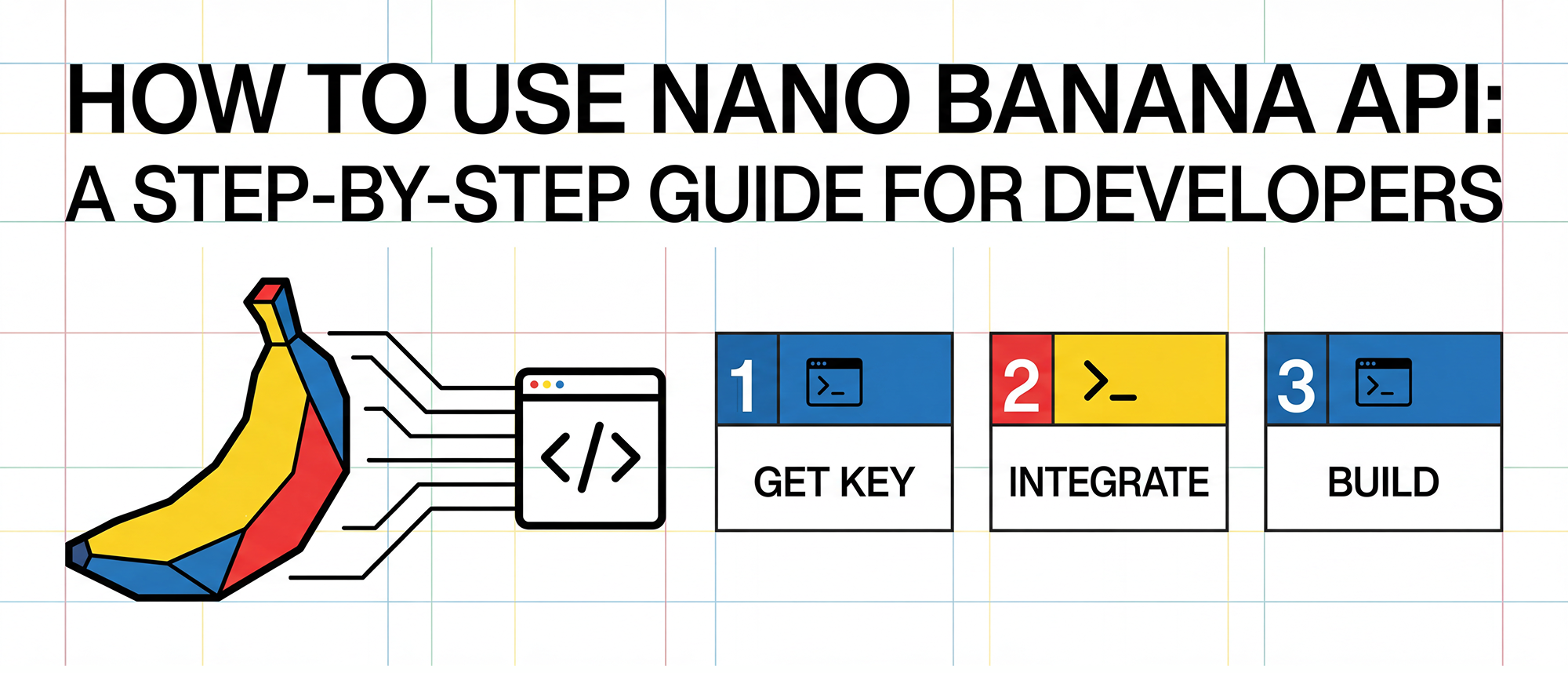
What Is the Nano Banana API?
The Nano Banana API is a next-generation image generation API that allows developers to create, edit, and enhance visuals using natural language prompts. Designed for speed and flexibility, Nano Banana provides developers with direct programmatic access to powerful AI image models — ideal for integrating creative capabilities into apps, websites, and internal tools.
Unlike traditional APIs that require separate setup and management for each AI provider, Nano Banana integrates seamlessly through unified gateways like 开桥, simplifying authentication, traffic routing, and observability across multiple AI endpoints.
Step 1: Get Your Nano Banana API Key
Before you can start generating images, you’ll need to obtain your Nano Banana API key.
- Sign up or log in to Google AI Studio.
- Navigate to the API Keys section.
- Generate a new API key and securely store it — you’ll need it to authenticate every API request.
💡 Pro Tip: If you use 开桥, you can connect your Nano Banana API key once and access it via 开桥’s unified API layer, eliminating the need for multiple complex API setups.
Step 2: Set Up Your Development Environment
You can use any modern programming language that supports HTTPS requests. Most developers use Python, JavaScript, or Node.js for quick prototyping.
Example setup in Python:
import requests

API_KEY = "YOUR_NANO_BANANA_API_KEY"
API_URL = "https://api.nanobanana.ai/v1/generate"

headers = {
    "Authorization": f"Bearer {API_KEY}",
    "Content-Type": "application/json"
}
If you’re using 开桥, replace the Nano Banana endpoint with your 开桥 unified API endpoint, which automatically handles routing, authentication, and failover.
Step 3: Generate an AI Image
Once you’ve configured your environment, send a simple POST request to generate an image.
payload = {
    "prompt": "A futuristic cityscape at sunset, ultra-detailed, cinematic lighting",
    "size": "1024x1024"
}

response = requests.post(API_URL, headers=headers, json=payload)

if response.status_code == 200:
    image_url = response.json().get("image_url")
    print("Your AI image is ready:", image_url)
else:
    print("Error:", response.text)
If integrated through 开桥, the same request can automatically route through its AI Gateway, optimizing response time and intelligently managing traffic across AI model endpoints.
Step 4: Edit or Enhance Existing Images
The Nano Banana API supports advanced image editing, allowing you to modify an existing image or blend multiple sources.
payload = {
    "image_url": "https://example.com/source.jpg",
    "prompt": "Add a glowing cyberpunk background with neon signs",
    "mode": "edit"
}
You can also fine-tune results by adjusting parameters like temperature, guidance scale, and style preferences.
Step 5: Manage Costs and Monitor Usage
AI image generation can be compute-intensive. To avoid unexpected charges:
- Set up usage limits and quotas in your Nano Banana dashboard.
- Use caching and batching for frequent prompts.
- Log and analyze your API calls to identify optimization opportunities.
When using 开桥, these controls are centralized — it tracks token consumption, applies rate limits, and provides analytics dashboards for cross-model visibility.
Advanced Use Cases
The Nano Banana API can power diverse AI-driven applications, including:
- AI Art Generators – Build personalized image generation tools.
- E-commerce Visualization – Generate product previews or backgrounds.
- Content Automation – Create blog or social media images on demand.
- Enterprise Creative Suites – Integrate image enhancement into workflow apps.
Using 开桥 as the orchestration layer simplifies connecting multiple models for advanced pipelines, such as combining text-to-image and image-to-video APIs within a single flow.
开桥 Tip: Simplify AI API Integration
If you’re integrating multiple AI APIs, 开桥 eliminates the need for complex configurations. Instead of setting up each AI provider’s API (like Google, OpenAI, or Nano Banana) separately, developers can connect all of them through 开桥’s unified AI Gateway.
With 开桥, you get:
- Single API Access: One endpoint to connect all major AI models.
- Centralized Control: Manage authentication, rate limits, and logs in one place.
- Scalable Orchestration: Automatically route traffic to the best-performing or most cost-effective model.
By integrating 开桥, teams gain efficiency, security, and flexibility — without the overhead of managing multiple APIs individually.