

Guide to Using Cline with 开桥
Cline is a collaborative programming agent for complex tasks. By integrating with 开桥, you can access more powerful models to enhance development efficiency.
Compatibility Note
开桥 fully supports the OpenAI API protocol and can be used with simple configuration.
Note that the OpenAI protocol base_url is https://openqiao.com/api/v1.
Installing Cline
Cline supports multiple development tools such as Visual Studio Code, JetBrains IDEs, 等 You can choose the corresponding installation method based on your tools. For details, please refer to Cline's official documentation.
Reference
Configuring Cline
- 点击the Cline icon on the left side of VSCode to open the Cline panel.
- 点击the settings icon ⚙️ in the top right corner of the panel.
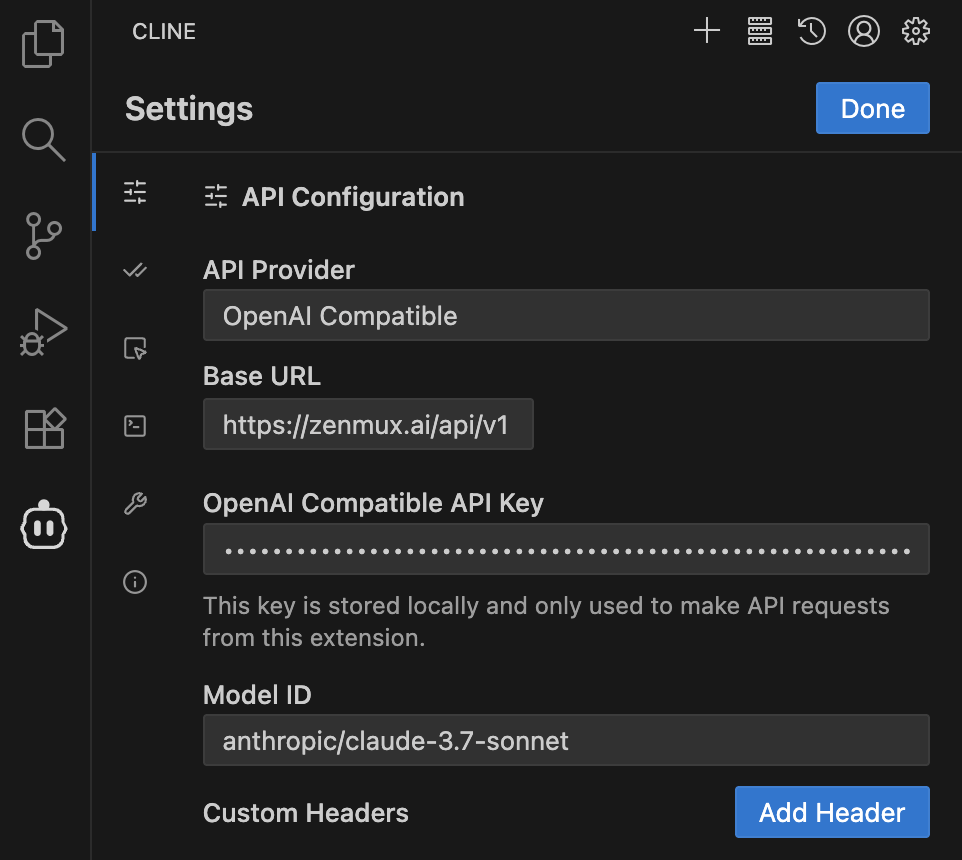
- In the API Configuration tab:
- Select OpenAI Compatible for API Provider
- Enter
https://openqiao.com/api/v1in Base URL - Enter your 开桥 API Key in OpenAI Compatible API Key
- Enter the 开桥 model slug in Model ID, such as anthropic/claude-3.7-sonnet
- 点击the Done button in the top right corner to complete the configuration.
Getting Started
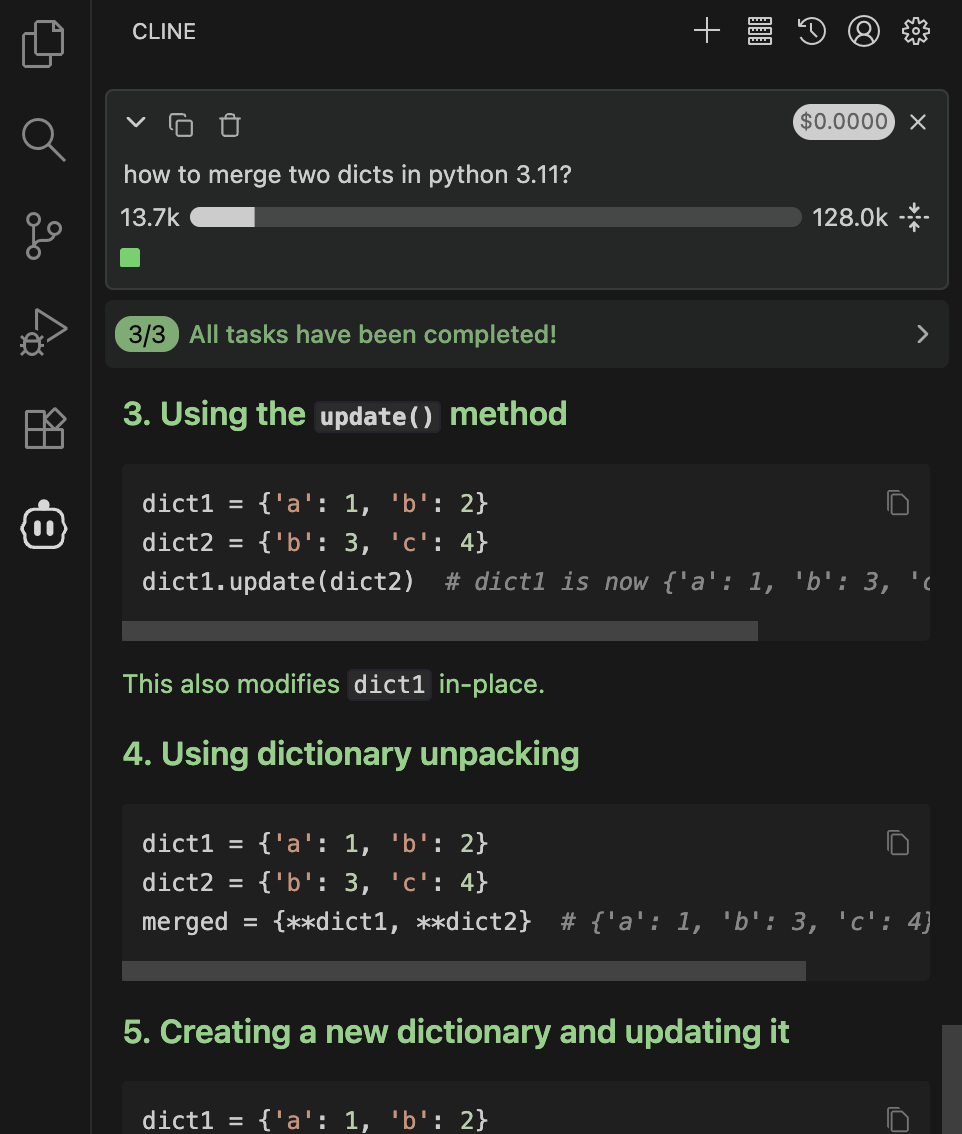
After configuration is complete, you can start using Cline. 开桥 provides rich model support for Cline. You can select the desired model from our official model list and enter it in the Model ID field.
Troubleshooting
Common Issues
API Key Error
Issue: API Key reported as invalid or unauthorized
Solution:
- Verify that the 开桥 API Key you entered is correct
- Confirm the API Key is active and has sufficient balance
- Check that the API Key format starts with
sk-ai-v1-