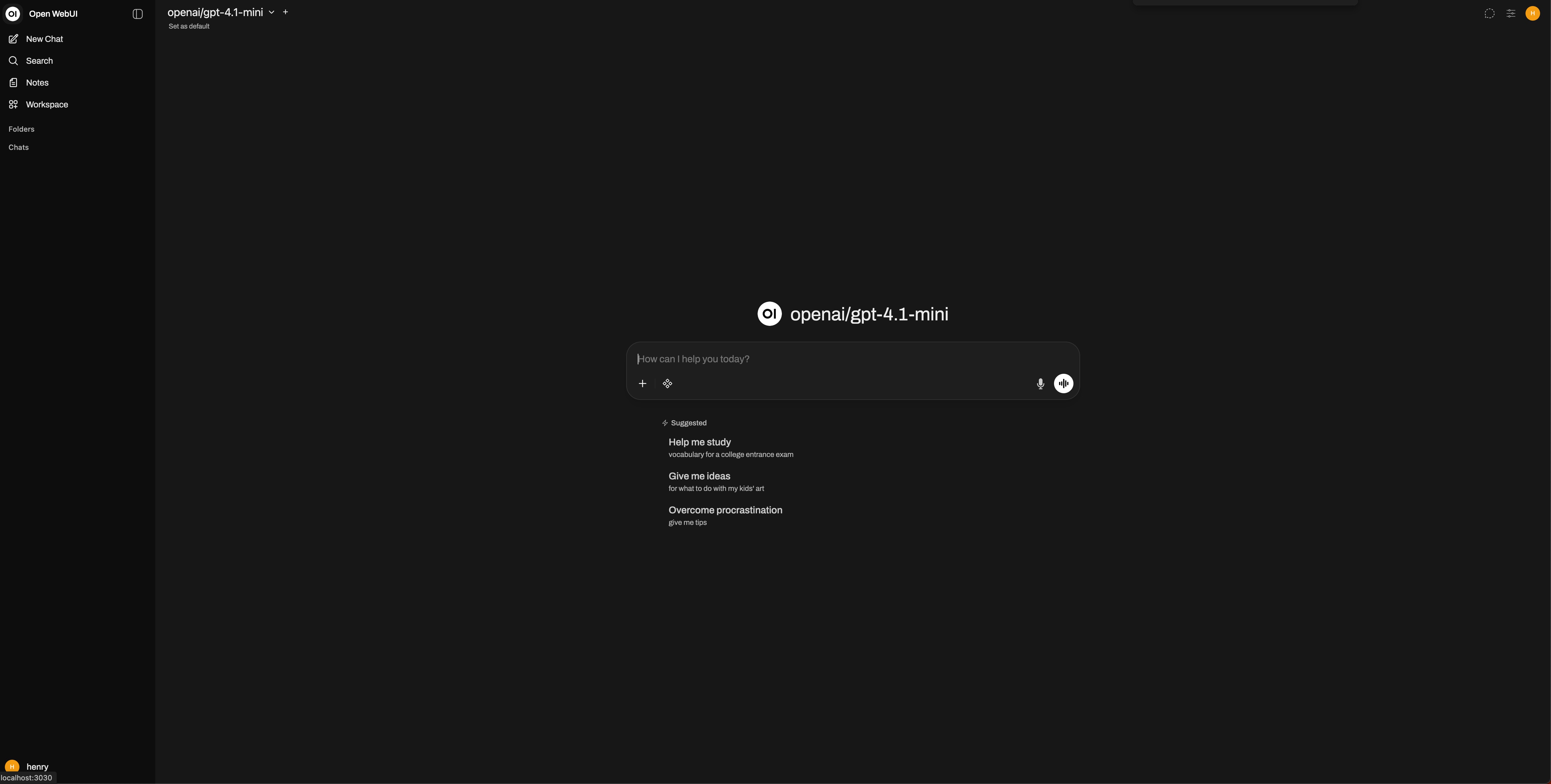
Guide to Using Open WebUI with OpenQiao
Open WebUI is an extensible, feature-rich, and user-friendly self-hosted AI platform designed to run fully offline. It supports multiple large language model runtimes such as Ollama and OpenAI-compatible APIs, and includes a built-in RAG inference engine, making it a powerful solution for AI deployment.
Compatibility Notes
OpenQiao fully supports the OpenAI API protocol and can be used with minimal configuration.
Note the OpenAI protocol base_url=https://openqiao.com/api/v1.
Configuration
Install Open WebUI
Reference
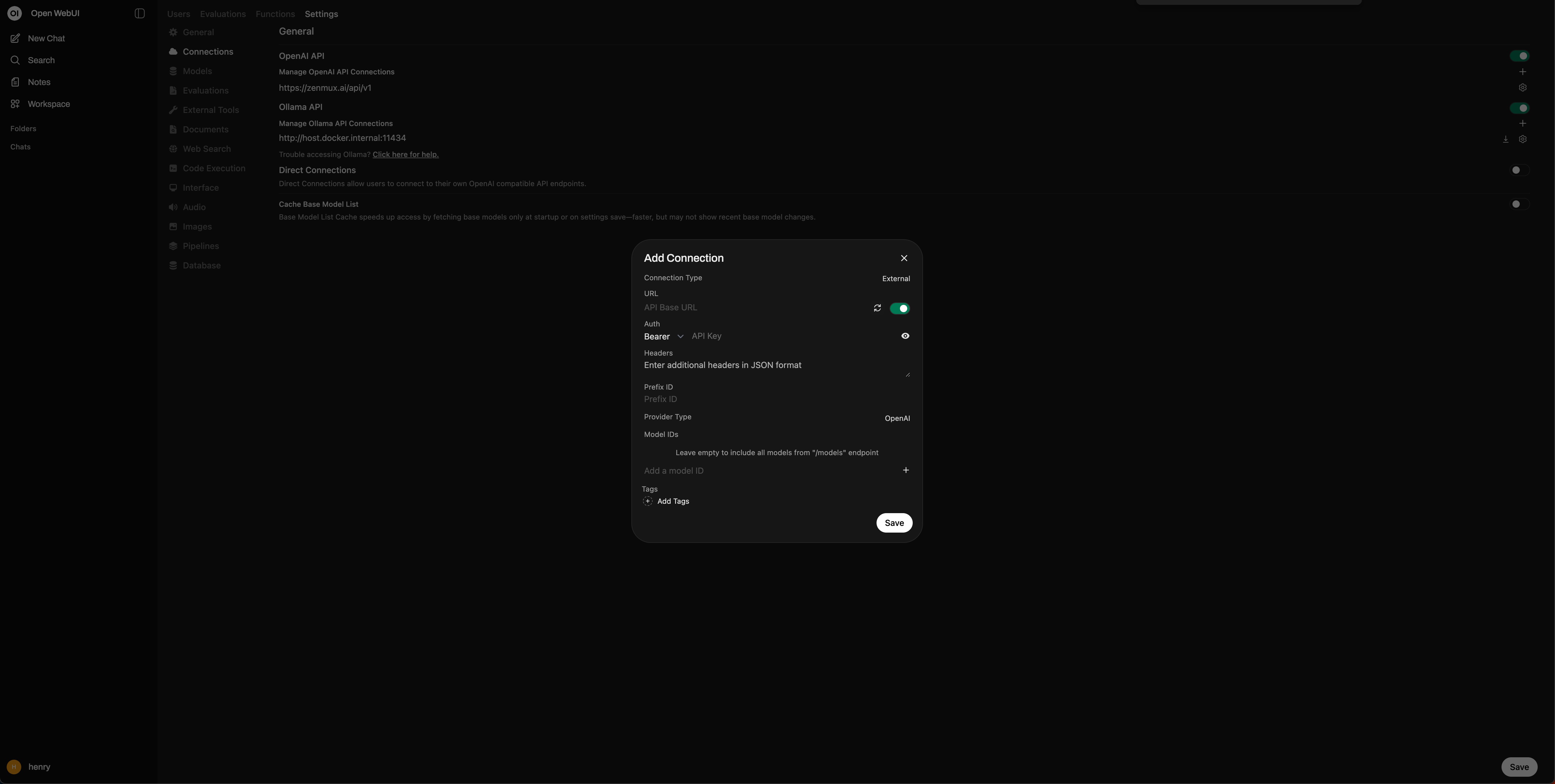
Configure External Links
- Click ⚙️ Admin Panel
- Go to Settings > Connections > OpenAI API > Manage OpenAI API Connections
- Click ➕ Create New External Link
- Enter URL:
https://openqiao.com/api/v1 - Enter API Key: OpenQiao API Key
- Click Save
Get Started
- Click New Chat
- Select a model from the top-left
- Start chatting
Model Selection
Open WebUI automatically syncs all OpenQiao models and selects one by default.